An everyday browser that replaces a dozen MCP servers.
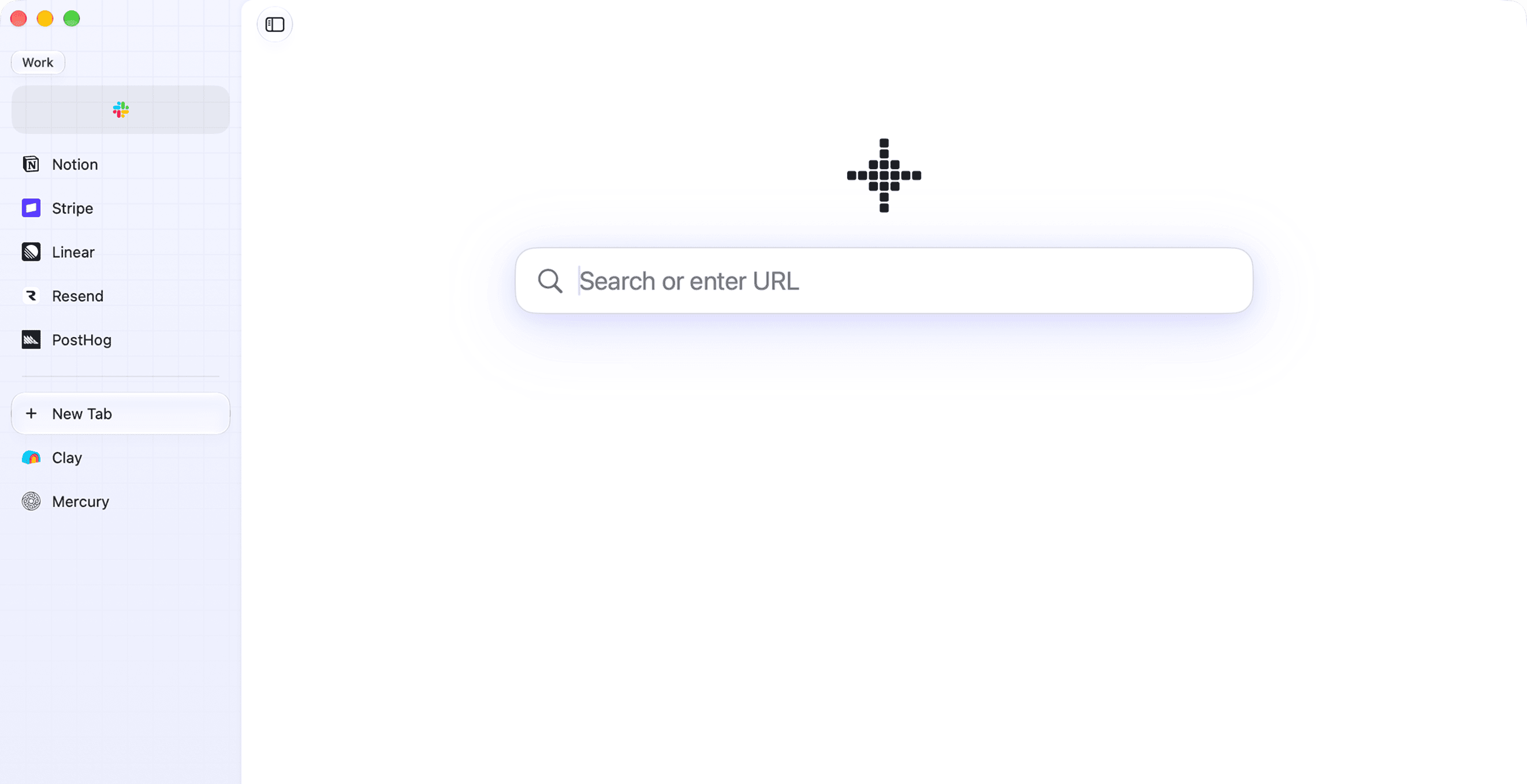
Fey is built on Chromium. Your agent connects to Fey through MCP and uses your services the way you do, with your profile, your logins and your open tabs. Agent access is off by default.
Download for macOS
Apple silicon, macOS 14.4+
Claude Code
catch me up on my pinned tabs
- fey MCP call Reading the funnel
- fey MCP call Checking delivery
- fey MCP call Reading payments
Signups held at 128, but activation fell to 41%.
Welcome emails started bouncing on Tuesday.
No new payments since then.
put this week in google sheets
- fey MCP call Opening the sheet
- fey MCP call Writing this week's row
Added above last week: 128 signups, 41% activated, 0 paid.
Agent
- Reading the funnel
- Checking delivery
- Reading payments
- Opening the sheet
- Writing this week's row
What's in Fey.
Spaces and sidebar
Each space has its own tabs, pinned tabs, favorites and sidebar color. Swipe with two fingers to switch. Every space belongs to a profile, so spaces in different profiles never share cookies, logins or history.MCP server for agents
Claude Code, Cursor or any other MCP client works in your signed-in tabs. Every tab an agent touches gets a badge in the sidebar, and Take over hands it back to you.Pinned tabs, folders and favorites
A pinned tab keeps the page you pinned and loads only when you open it. Folders nest and hold both pinned and open tabs. Favorites are an icon grid at the top of each space.Command bar
⌘T opens it. Open tabs come first, then bookmarks, history and search.Peek
A link in a pinned tab or favorite that leaves the site opens in a Peek over the page. Esc closes it, and one button turns it into a tab.Split view
Drag a tab onto the page to open two side by side. Each half has its own address bar, and the split stays in its space after a restart.Space Router
Rules on the URL send links you open from other apps to the space you choose.Working with many tabs
Select tabs with ⇧ or ⌘ to pin, close, split or duplicate them at once. Rename any tab, and the name stays when the page changes.Picture-in-Picture
A playing video floats in its own window when you leave its tab or another app covers Fey, YouTube included.Page translation
Translate a whole page on your Mac with Apple Translation. Fey offers it when a page is in a language you do not read.Session restore
Open tabs, pinned tabs and back/forward history come back after a restart or a crash.Privacy
Tabs, history and passwords stay on your Mac. Sync is off until you turn it on, and it is end-to-end encrypted. The toolbar shows which sites use your location or a folder on disk, and one click revokes it.Import and extensions
Bring spaces, folders and pinned tabs from another browser in their original order, along with passwords, bookmarks, history and extensions. New extensions install from the Chrome Web Store.Keyboard shortcuts
Every shortcut can be changed in Settings.- ⌘S
- Show or hide the sidebar
- ⌘T
- Command bar
- ⌘1–9
- Go to tab 1 to 9
- ⌘⇧C
- Copy URL
Updates
Fey updates every week with the latest stable Chromium release and its security fixes.Latest release 0.5.127,
Chromium 156.0.8078.80
Roadmap.
- Fey for Mac, shipped
- Fey for iPhone and iPad, next
Run it on your own Mac.
Download for macOS
Apple silicon, macOS 14.4+